
Powerful Design, Lasting Impact — The Crawl Page Builds Websites That Move Your Business Forward.
What Is Website Development?
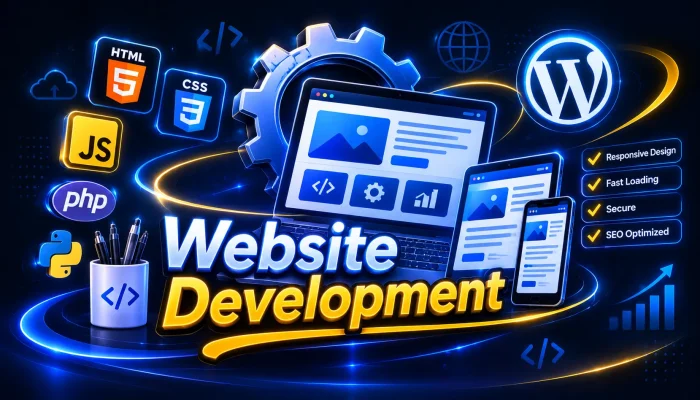
Website Development refers to the planning, designing, building and maintenance of websites for the internet. This can include building basic pages, business sites, e-commerce sites, interactive web apps.
Website Development will ensure your website is well structured, visually appealing, easy to navigate and a great user experience. We use a range of technologies to build the front end of your website such as HTML, CSS, JavaScript and back end technologies like PHP, Python and Node.js to manage the functionality and data of your site.
Website Development will also ensure your website is responsive on mobile devices, fast loading, secure and will be optimised for search engines. At The Crawl we focus on developing professional websites to help your business gain credibility, access your target audience and grow online.
Who Is a Website Developer?

A website developer is a professional who builds and designs websites. Using programming languages and development tools they will develop functional, aesthetically pleasing and easy to navigate websites.
Website developers make sure that a website will function well on desktops, tablets and mobile devices. They can also help improve the performance, security, accessibility and overall user experience of the website.
There are three main types of website developers:
- Front-End Developer: This involves the designing part of a website such as layouts, buttons, navigation and user interfaces. Front-end developers will use HTML, CSS and JavaScript.
- Back-End Developer: The back-end of a website includes managing the servers, database, application logic and data processing so that the website functions properly.
- Full-Stack Developer: Full-stack developers will work on the front-end and back-end of a website to create and manage a complete solution.
What Is a Domain Name?
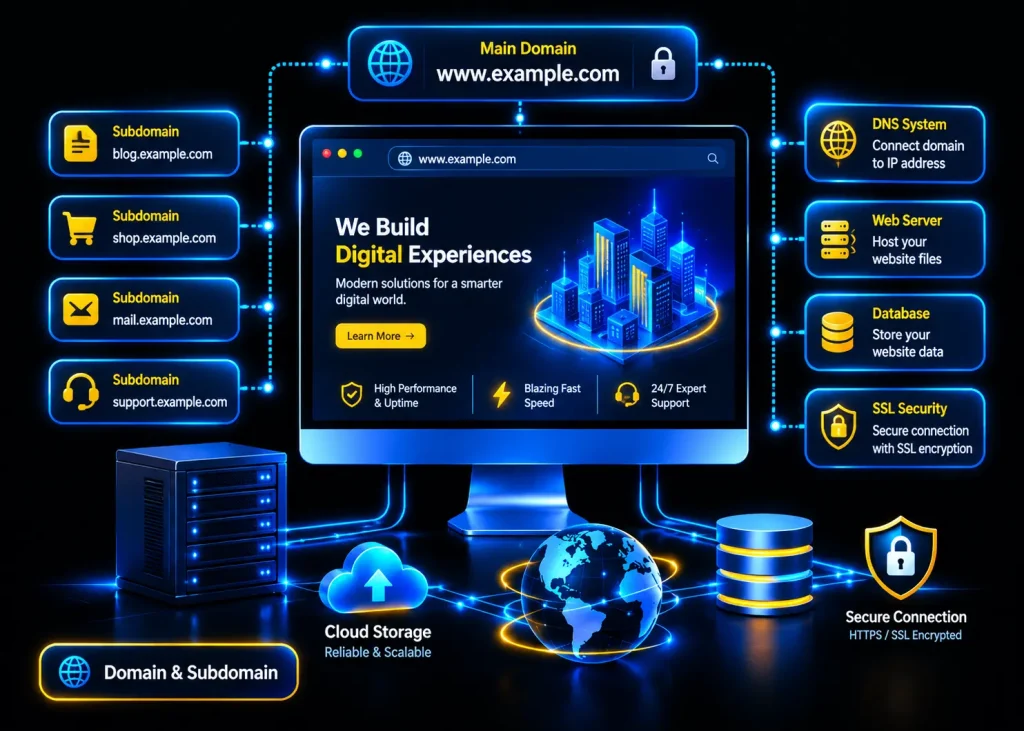
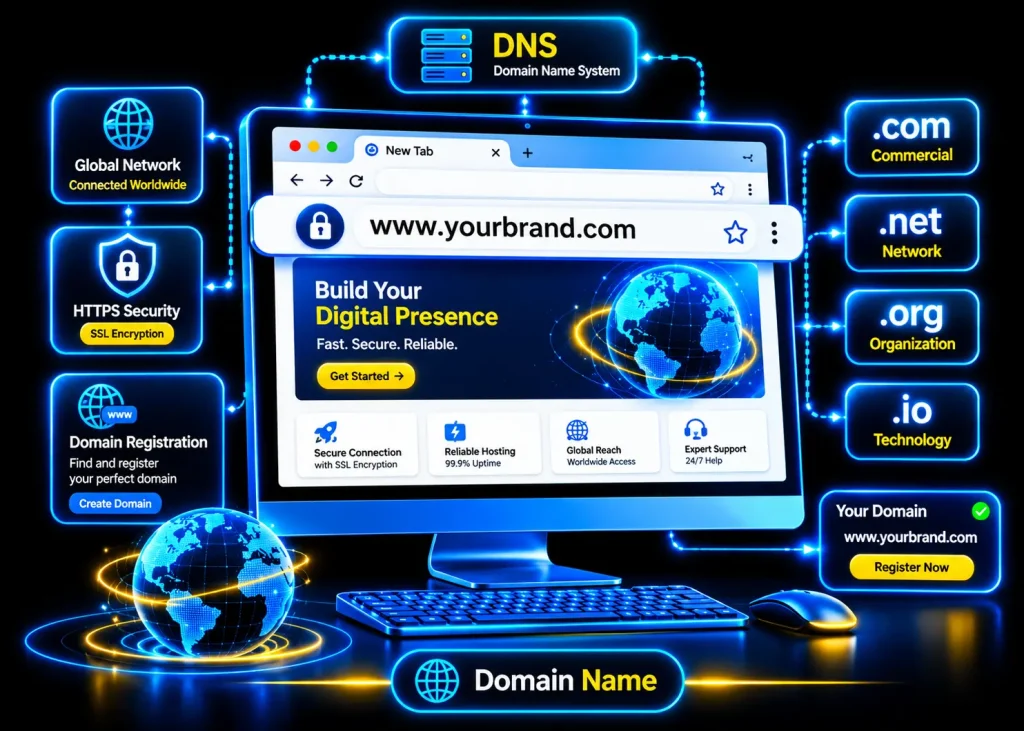
Domain names are unique web addresses used by users to access a website. They help make your website more accessible as they help people to easily remember the address of your site rather than having to remember the numeric IP address. An example would be google.com.
Key Things To Remember
- Provides your website with a unique online identity.
- Easier to remember the website address.
- Builds brand awareness and credibility.
- May increase the accessibility of your business online.
These can have extensions such as .com, .org, .net and .in.
Having a relevant and easy to remember domain name can help your business to develop a professional online identity.
What Is Domain Hosting?
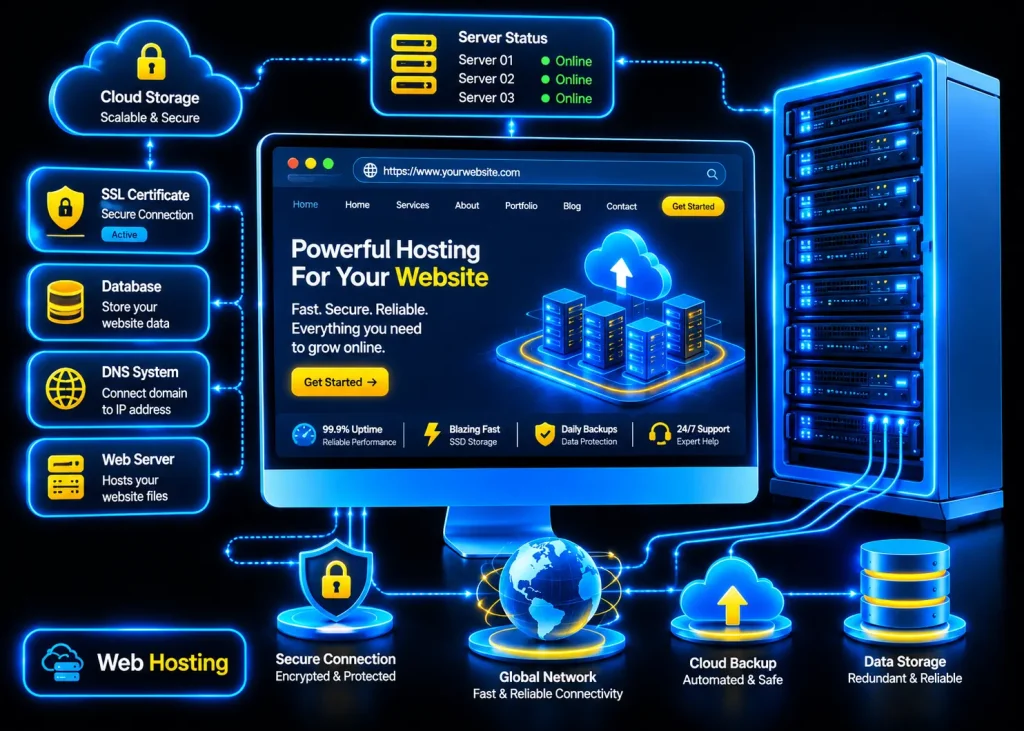
Domain hosting is often used to describe services that connect a domain to your website. A domain is a web address that identifies your website. The web hosting service then stores the files, images, databases etc. of your website onto a server.
When someone goes to your domain, your website is sent to their browser via the server. Domain registration and web hosting are a great way to make your website available online.
Points to note about Web Hosting
- Stores your website files/data on a server.
- Allows your website to be available online.
- Ensures your website is fast and available.
- May offer security, back up and technical support.
- Helps businesses have a reliable online presence.
Types of Hosting Every Website Owner Should Know
Shared hosting is the most affordable type of hosting. It is suited to those who are new to the web, and personal websites, blogs or small businesses with an average amount of traffic.
Web hosting is a service that allows you to store your website files online. Depending on the hosting package, it also provides you with storage, bandwidth, security features, back-ups and technical support.
Dedicated hosting provides an entire physical server, that is used only by one customer or website. It provides extra control, and dedicated resources. This makes it perfect for sites requiring increased performance.
Cloud hosting allows you to host your websites and apps using a network of linked servers. It provides increased flexibility.
Virtual Private Server hosting allows you to split up the physical server into individual virtual environments. Each with their own set of resources. It provides extra control.
CMS hosting allows you to run your CMS (Content Management System), such as WordPress, Joomla or Drupal. Depending on your provider, you will get performance optimisation, auto-updates, back-ups and an easier way to manage your website.
WordPress hosting has been specifically set up to run your WordPress site. You might receive special WordPress tools, extra security, back-ups and performance optimisation.
Reseller hosting allows you to buy hosting resources and then resell the hosting services to your own customers. This is often used by web development agencies and hosting businesses.
What Is a Subdomain?
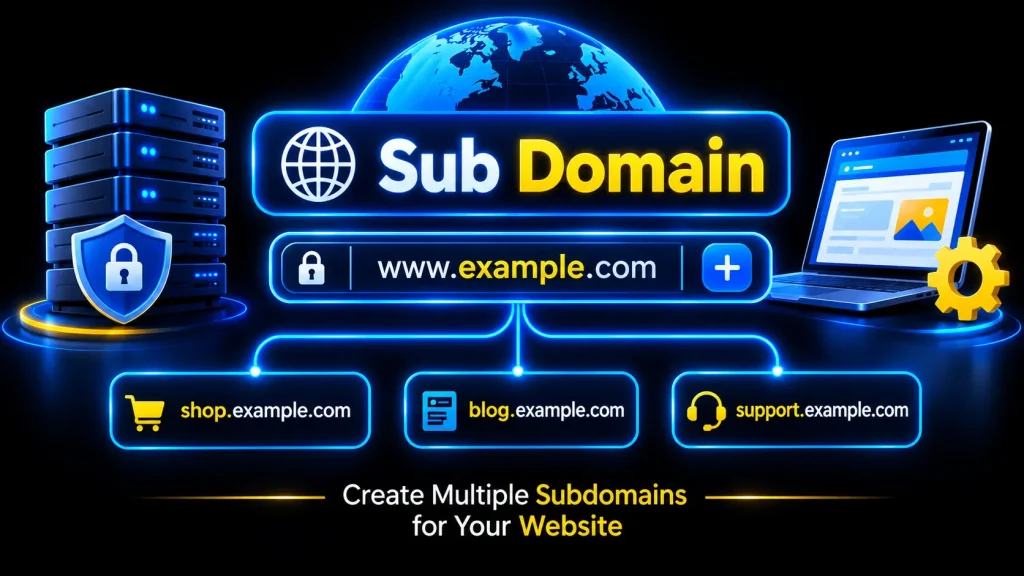
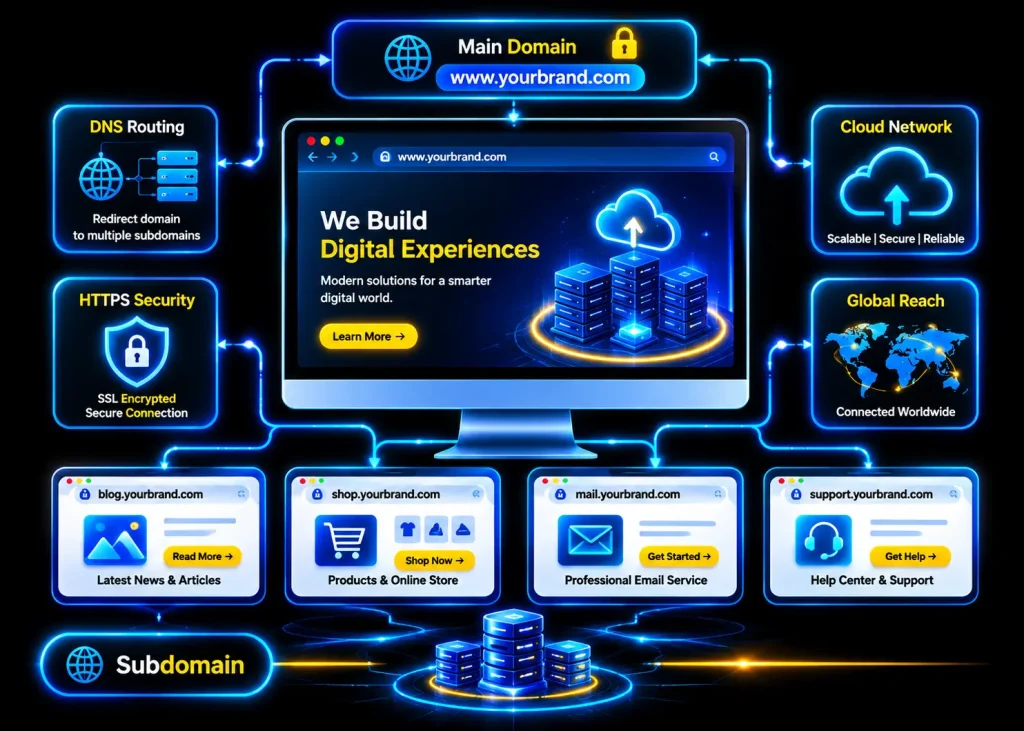
A subdomain is part of your primary domain which can help to break up the different sections of a website. A subdomain will sit ahead of the domain name.
For example: In the URL blog.example.com the subdomain would be blog and example.com would be the primary domain.
Advantages of using a Subdomain
- Breaks down the content on your website
- Businesses can create separate sections
- Helps to separate blogs, support and online shops.
- Different designs and functionality can be used.
- Helps to manage your website.
Subdomains are great for businesses who want to split up sections but still have them linked to their brand.
Domain vs. Subdomain: Understanding the Key Differences
Domain
- This is the main URL of a website.
- Provides a unique identity for your website/brand.
- Can be registered via a domain registrar.
- Typically the main URL of a website.
- Such as example.com and thecrawl.in.
- Domains have extensions which can be .com, .org, .in etc.
- Multiple subdomains can be added.
- It helps users find your website.
- Can be used for business websites, blogs and online stores.
- A key part of your brands identity online.
Subdomain
- A subdomain is another part of your main domain.
- It can be created within an existing domain.
- Can help organise different parts of your website.
- Used within blogs, support portals and online stores.
- Can be found before the main domain name.
- Typically there is no need to register a new domain.
- Multiple subdomains can be added.
- Content and functionality can differ from the main website.
- Such as blog.example.com and shop.example.com.
- Helps organise the content of your website.
What Is A Website?
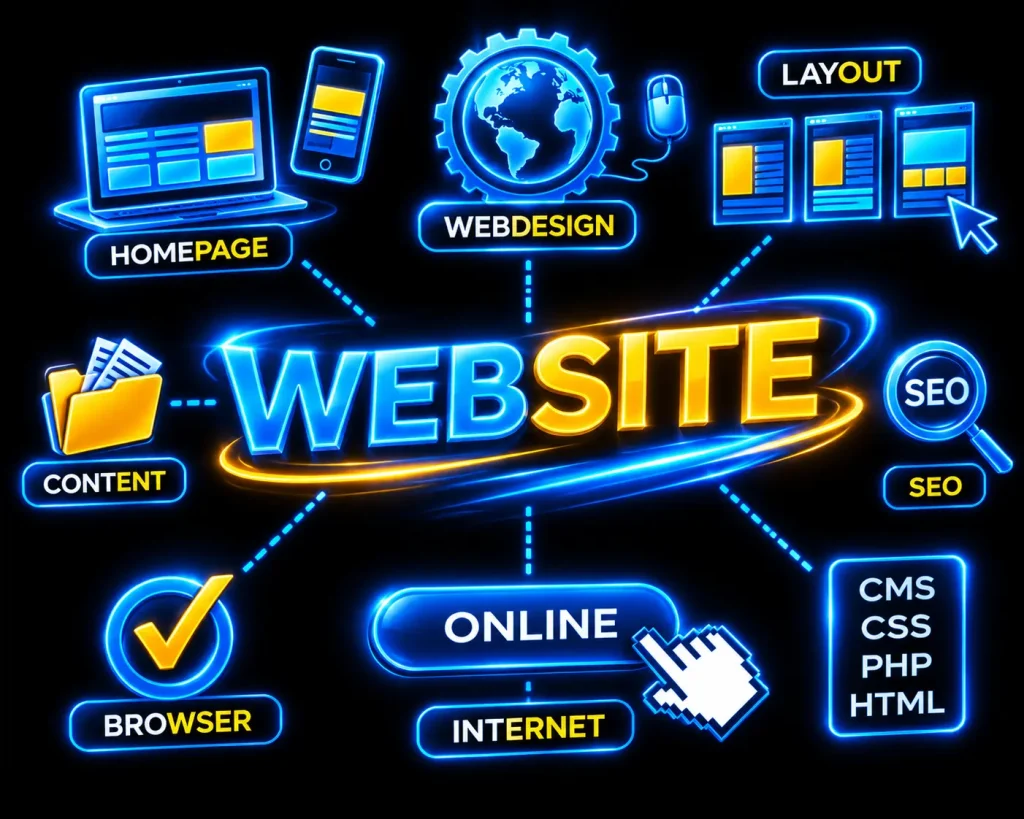
A website is made up of a series of web pages which have been published onto the internet using a domain name. You will need a web browser such as Google Chrome, Microsoft Edge, Firefox and Safari to view websites.
Websites can be used to share information, promote a business, sell products, provide learning resources, publish content and connect with your audience. This will help you create an online presence and communicate with people around the world.
A typical website may include several pages such as a home page, about us page, services page, contact page and blog. Some may also include images, videos, forms, dynamic features and e-commerce depending on what the website’s purpose will be.
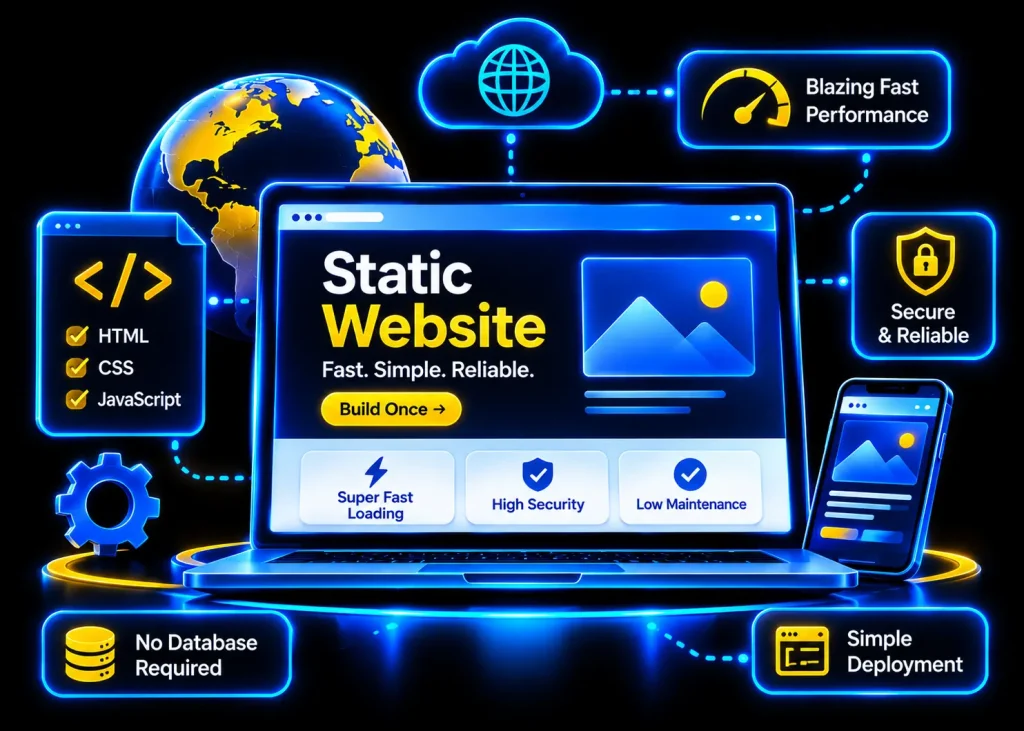
There are two general types of website; static and dynamic. Static websites have set content where as dynamic websites can change content depending on user interaction, database and other factors.
Types Of Website
Static Website
A static website contains site content that rarely changes and is usually built using HTML & CSS. They can have some JavaScript to allow for interactive features.
Dynamic Website
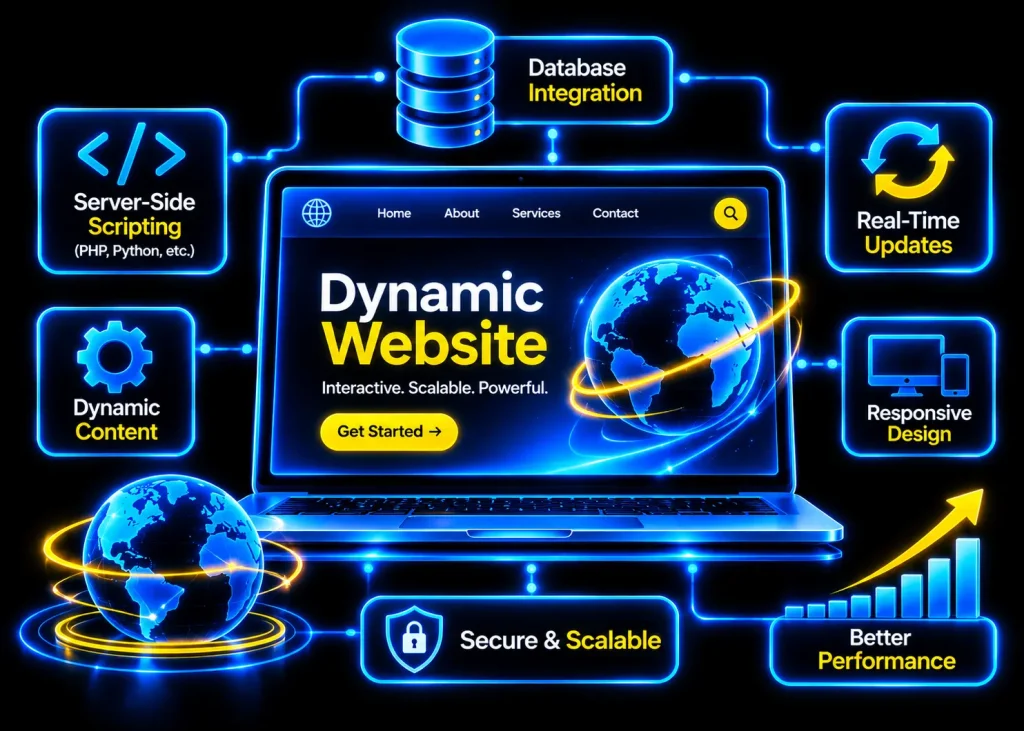
A dynamic website contains content that can be changed depending on what the user does, what information they have in their database or how the application works.
Responsive Website
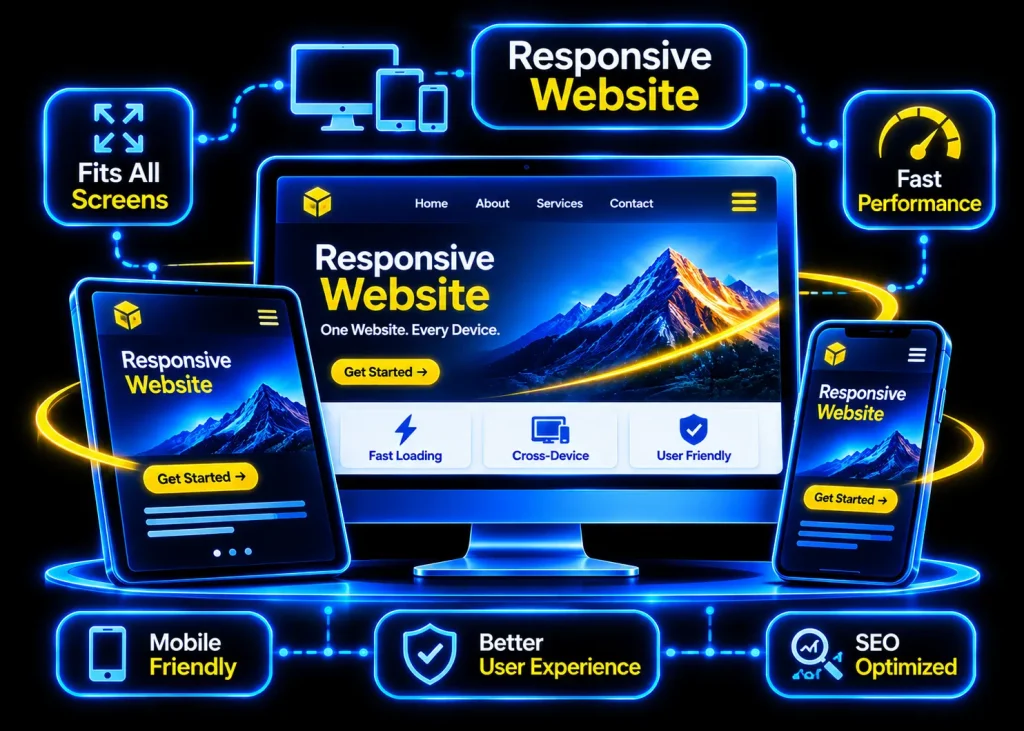
A responsive website will automatically change the layout of your site so that it can be viewed on any screen size. This means your users will have a consistent experience when browsing your site on a phone, tablet, laptop or desktop.
Single Page Website
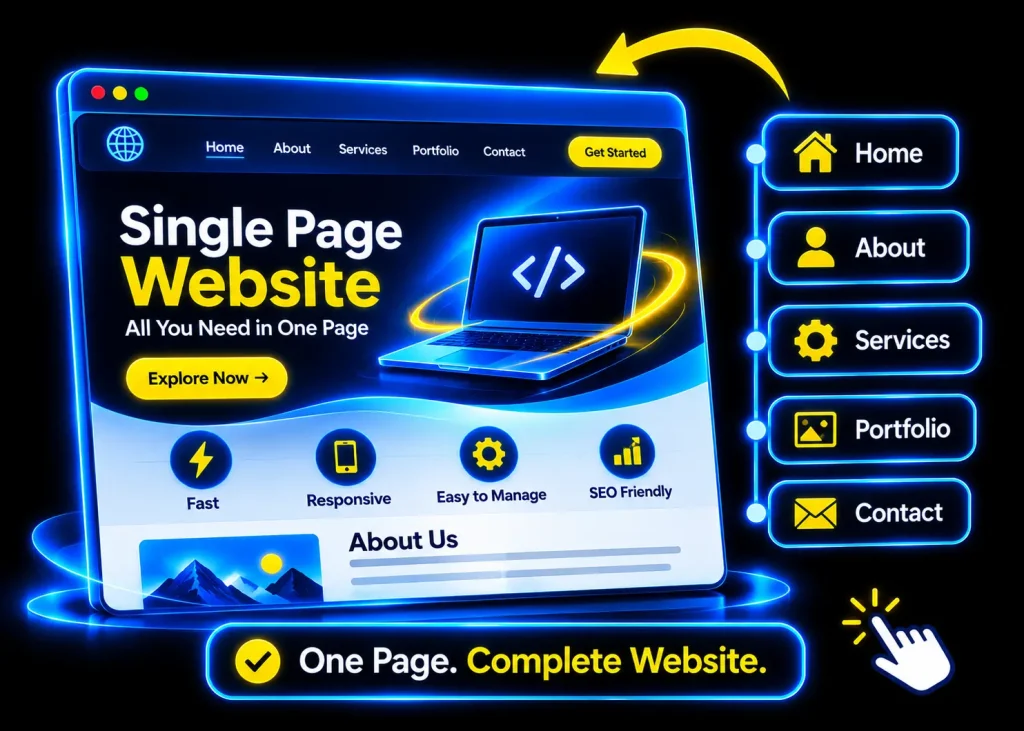
A single page website will show the key information on one page. Users will be able to scroll through the different aspects.
Categories of Websites
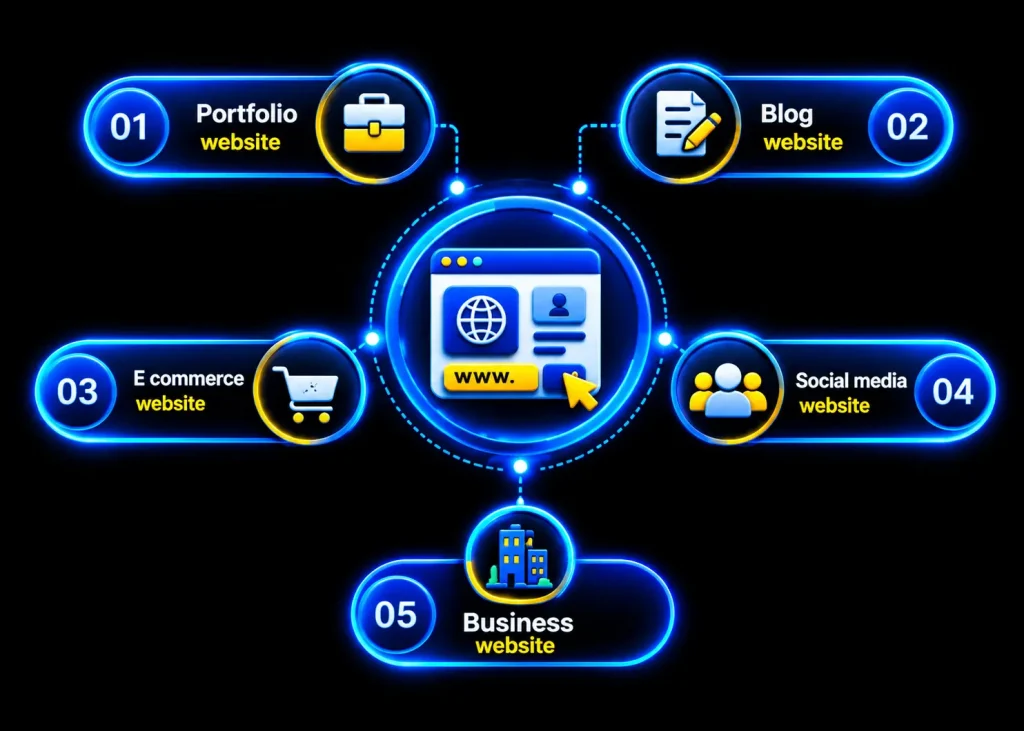
Portfolio websites
Portfolio websites are websites that display a person’s skills, projects, accomplishments and experience. These are used by designers, developers, Photographers and freelancers to demonstrate and display their work to gain clients.
Examples: Designer Portfolios, Freelance Websites.
blog website
A blog website displays articles, opinions, guides, news and other informative content. Bloggers and Businesses use blogs to show their knowledge to engage and establish themselves as experts within their industry.
Examples: Personal Blogs, Industry blogs.
e-commerce website
These websites allow customers to view and buy products or services. They often have features such as Product Pages, Shopping Carts, Payment Gateway and Order Management.
Examples: Amazon, Flipkart.
Social media websites
Social media websites allow users to connect, share, and communicate with others online. Users can post, share pictures and videos to gain an online community.
Examples: Facebook, Instagram.
Business websites
Business websites are used to promote a company along with its products and services. They contain many key pieces of information about the company, services, contact details and help customers.
Examples: Corporate Websites, Company Service Websites.
Education websites
Education websites provide an online learning platform providing learning resources, tutorials, classes, courses and much more to help students, teachers and professionals gain knowledge.
Examples: Coursera, Khan Academy.
Entertainment websites
Entertainment websites provide movies, videos, music, games and more to entertain or educate users.
Examples: YouTube, Netflix.
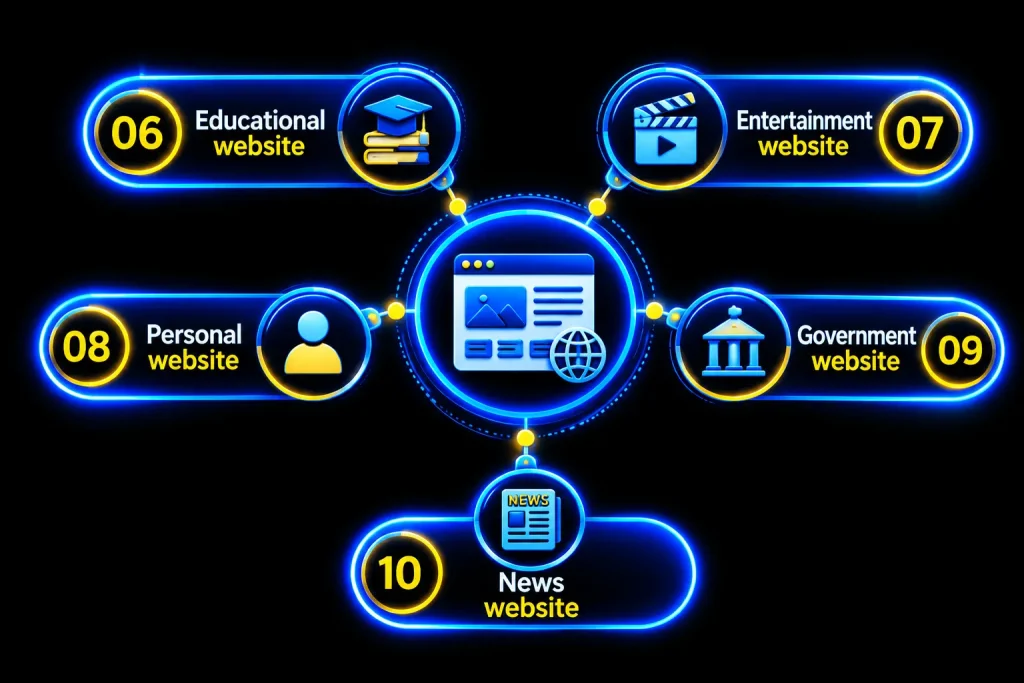
Personal websites
Personal websites are used to share a person’s interests, experiences, hobbies, accomplishments and professional information. They can be used to get creative, brand yourself and help your career.
Examples: Personal Blogs, Personal Portfolios.
Government websites
Government websites provide official information, public notices, services, documents and online facilities for citizens. Helping them access public information and interact with government departments.
Examples: India.gov.in, USA.gov.
News websites
News websites provide up-to-date news, reports, articles and updates regarding current events such as business, politics, technology, sport and entertainment.
Examples: BBC News, CNN.
What is a URL?
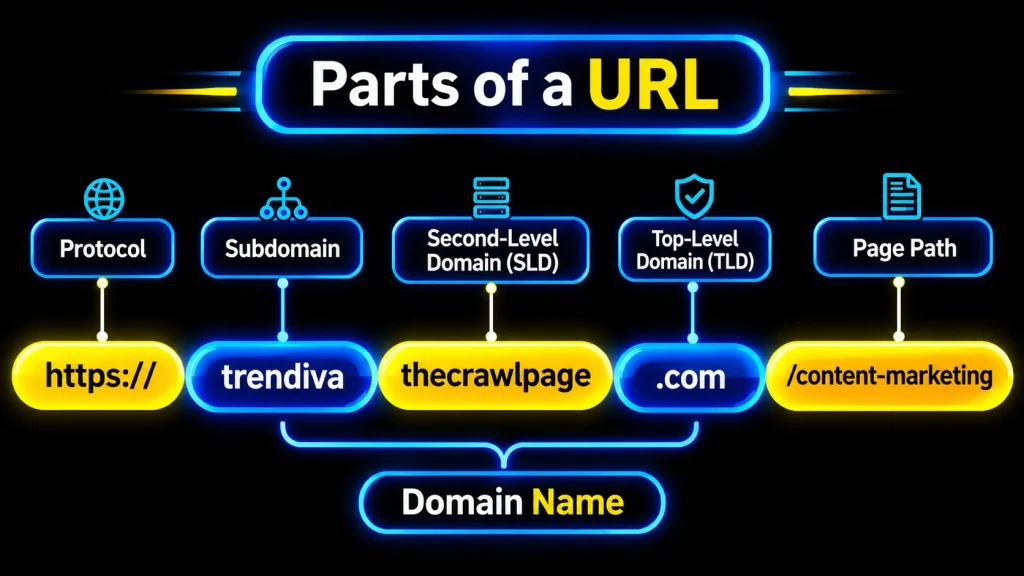
URL stands for Uniform Resource Locator. Essentially they are the full link to resource on the Internet. Browsers use them to find web pages, images, videos, documents and other content.
Example: https://www.example.com/blog/article
They can have a few parts:
- Protocol: HTTPS shows which protocol is being used to communicate with.
- Subdomain: This is often www.
- Domain name: This is the name of your website.
- Path: /blog/article shows a particular page/resource.
- Query: This is an optional parameter used to send extra information to your website.
- Fragment: This is an optional identifier to show a particular part of the page.
This will help you as website owner to make your website structure easy to understand and improve navigation.
Frequently Asked Questions
Explore answers to common questions and learn more about how we can help your brand grow.
Yes, we can help you create a website that fits your brand, aims, and the look and feel that you would like. Along with the targeted audience.
We specialise in creating responsive websites that will allow you to have seamless browsing on all devices.
Yes, we can improve your website by providing an improved design, navigation, performance and overall user experience.
Yes, we can create your business website, service website, landing page or e-commerce store.
This depends on how big your website is, how complex you want it to be and what features you want included. A basic website may take less time than a bespoke or e-commerce site. This can be discussed during our consultation.

Contact Info
+91 6394314660
Prayagraj, India
vinisharajpal0312@gmail.com
© 2026 Created with thecrawlpage.com